

How Interactive PDFs Transform Education: Engaging, Accessible, and Effective
How Interactive PDFs Transform Education: Engaging, Accessible, and Effective
Education has always been about delivering knowledge in a way that students can easily understand and retain. In the past, textbooks, worksheets, and static handouts were the primary learning tools. However, in today’s digital age, these traditional methods often fall short in capturing student attention. With learners spending more time on devices, educators need new formats that blend content with interactivity. This is where interactive PDFs come into play.
Unlike ordinary documents, interactive PDFs allow teachers and institutions to combine text, visuals, multimedia, and clickable elements into one learning resource. They are not only practical but also powerful tools for creating engaging and student-friendly learning experiences.
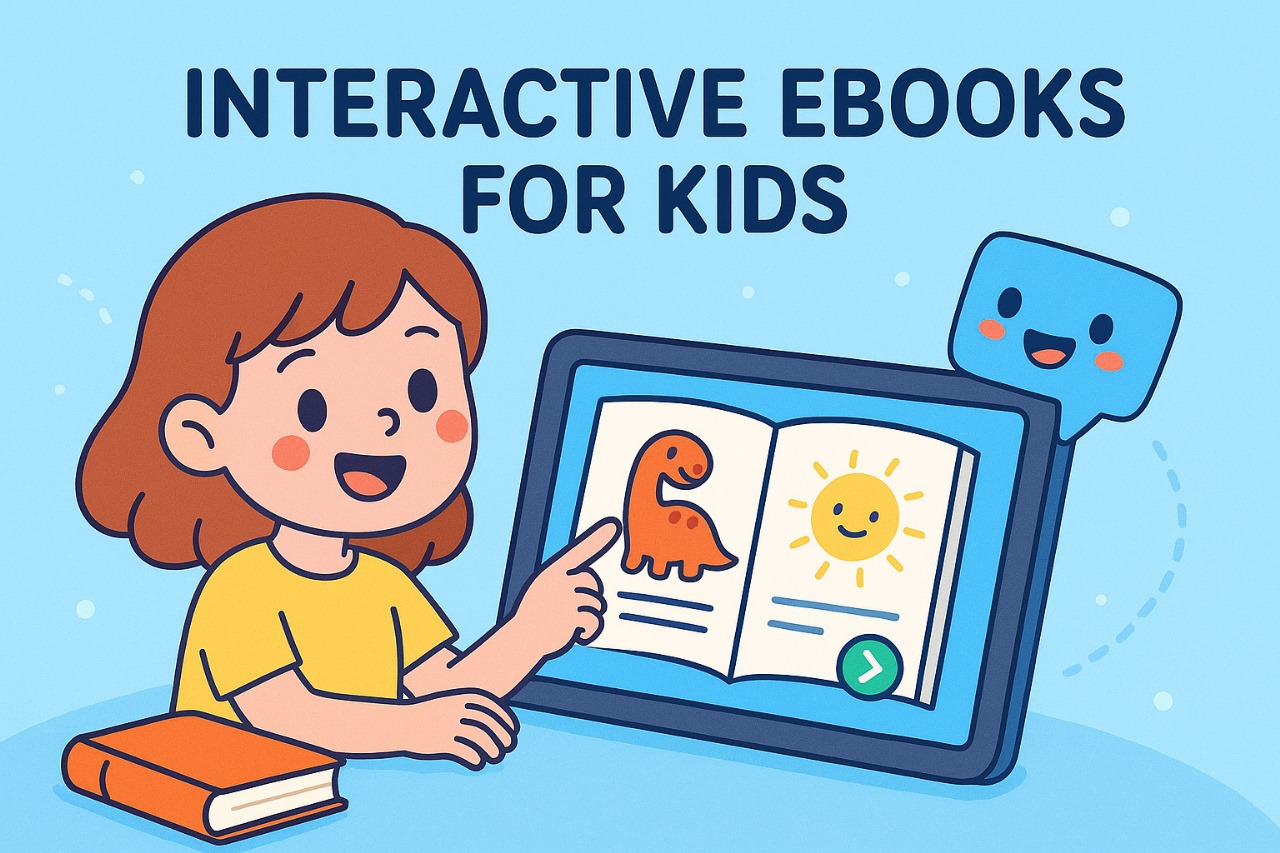
What Are Interactive PDFs?
An interactive PDF goes beyond simple text and images. It includes features such as:
-
Hyperlinks and Navigation Tools – Making it easy to move between sections, chapters, or references.
-
Embedded Multimedia – Videos, audio recordings, and animations that enrich the learning process.
-
Fillable Forms and Quizzes – Allowing students to answer questions, complete assignments, or participate in quick self-checks directly in the file.
-
Annotations and Notes – Students can highlight, comment, and add sticky notes for better revision.
This combination of features turns a static document into an active learning environment.
Benefits of Interactive PDFs in Education
1. Improved Engagement
Students are naturally drawn to digital tools. With embedded videos, quizzes, and clickable activities, interactive PDFs make lessons more exciting than plain text. For example, a history chapter can include a short documentary clip, while a science worksheet can contain an animated experiment.
2. Simplified Navigation
Traditional handouts or scanned PDFs force students to scroll endlessly to find content. In contrast, interactive PDFs allow students to jump to a topic instantly using a clickable table of contents or bookmarks. This reduces frustration and helps students focus on learning instead of searching.
3. Accessibility for Diverse Learners
One of the biggest strengths of interactive PDFs is accessibility. They can be designed to work with screen readers, provide scalable fonts, and support alternative text for images. This makes them useful for students with disabilities, ensuring inclusivity in classrooms.
4. Active Learning and Retention
Learning is most effective when students participate actively. Interactive PDFs encourage students to solve quizzes, write notes, or complete exercises directly within the document. This practice reinforces knowledge and ensures better retention compared to passive reading.
5. Cost-Effective and Eco-Friendly
Interactive PDFs reduce the need for printing textbooks, worksheets, or practice papers. This saves money for both institutions and students while contributing to an eco-friendly approach to learning. In addition, PDFs can be easily updated without reprinting, ensuring that students always have access to the latest information.
Practical Applications in Education
Interactive PDFs can be applied in multiple ways:
-
Digital Textbooks – Embedding diagrams, videos, and review quizzes to enhance learning.
-
Assignments and Worksheets – Students can directly type or check answers in the PDF.
-
Study Guides and Revision Notes – Easy navigation and summaries for faster learning.
-
Teacher Training Manuals – Combining theory with interactive examples for professional development.
-
Research and Reference Material – Hyperlinked citations, graphs, and multimedia explanations.
This flexibility makes interactive PDFs a practical choice for schools, universities, and training institutions.
How Educators Can Create Interactive PDFs
Creating an interactive PDF doesn’t require advanced technical skills. Teachers can use tools like Adobe Acrobat, Canva, Google Slides, or educational software platforms to design them. Here are some simple steps:
-
Plan the content structure – Organize chapters, exercises, and multimedia elements.
-
Add hyperlinks and bookmarks – For smooth navigation.
-
Embed media – Videos, audio clips, or even 3D visuals.
-
Insert interactive forms – Quizzes, fillable blanks, and feedback forms.
-
Test across devices – Ensure compatibility on laptops, tablets, and mobile devices.
By investing a little time in creation, educators can provide students with powerful resources that make learning more interactive and enjoyable.
The Future of Learning with Interactive PDFs
As online learning and e-learning platforms continue to grow, interactive PDFs are expected to play a bigger role in education. They provide the perfect balance between the familiarity of traditional study materials and the innovation of digital learning tools. With advancements in technology, future interactive PDFs may even include AI-driven assessments, gamified elements, and real-time analytics for teachers.

Conclusion
Interactive PDFs are not just digital files—they are gateways to active, inclusive, and engaging education. By combining multimedia, clickable navigation, and interactive features, they transform how students consume and understand information. For teachers, they offer a practical, eco-friendly, and cost-effective way to deliver lessons in the digital era.
As education continues to adapt to the needs of the 21st-century learner, interactive PDFs will remain an essential tool in ensuring that learning is accessible, engaging, and future-ready.